


The Minerva app, for your whole school
Parents, teachers and staff stay connected to their school from one app, in light or dark mode, on iOS and Android.

Built for everyone in your school community
Parents
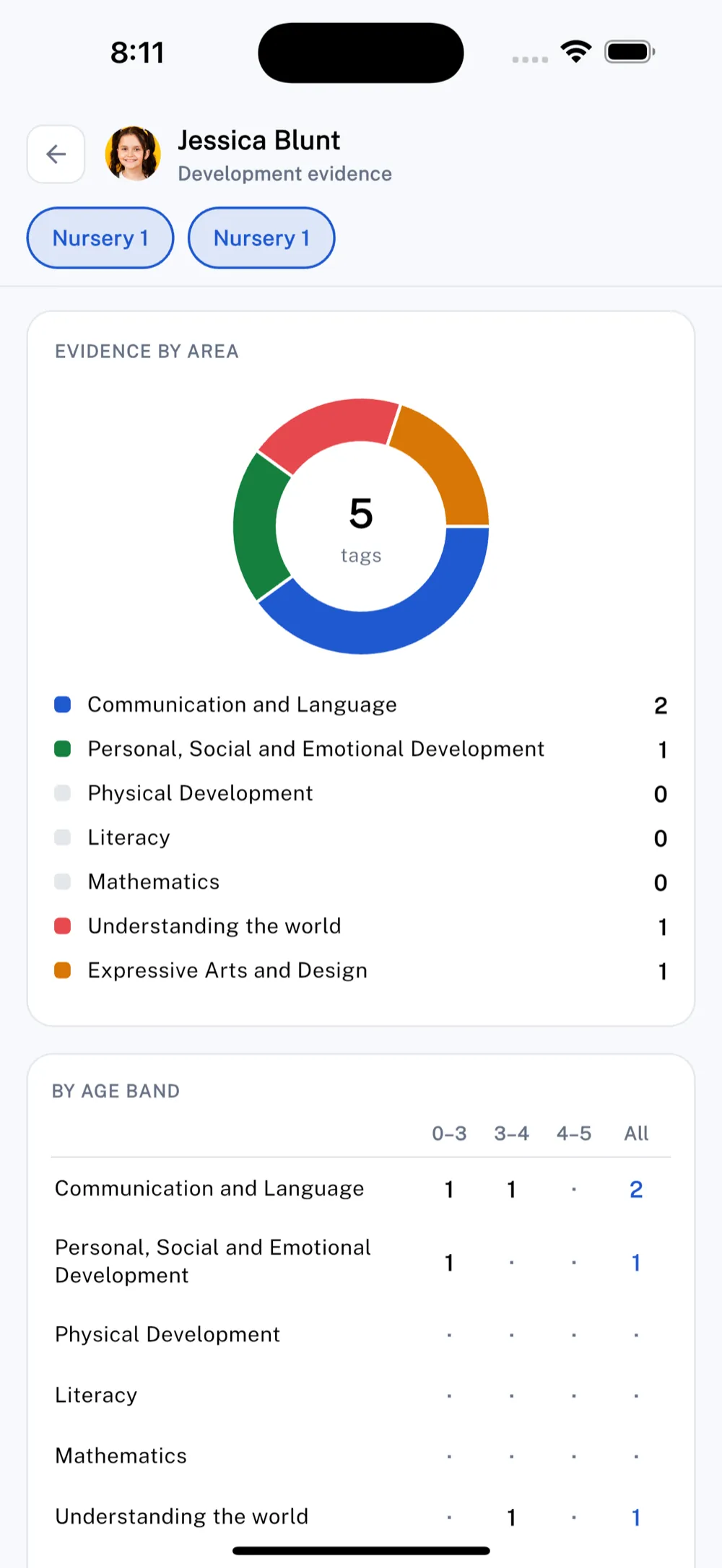
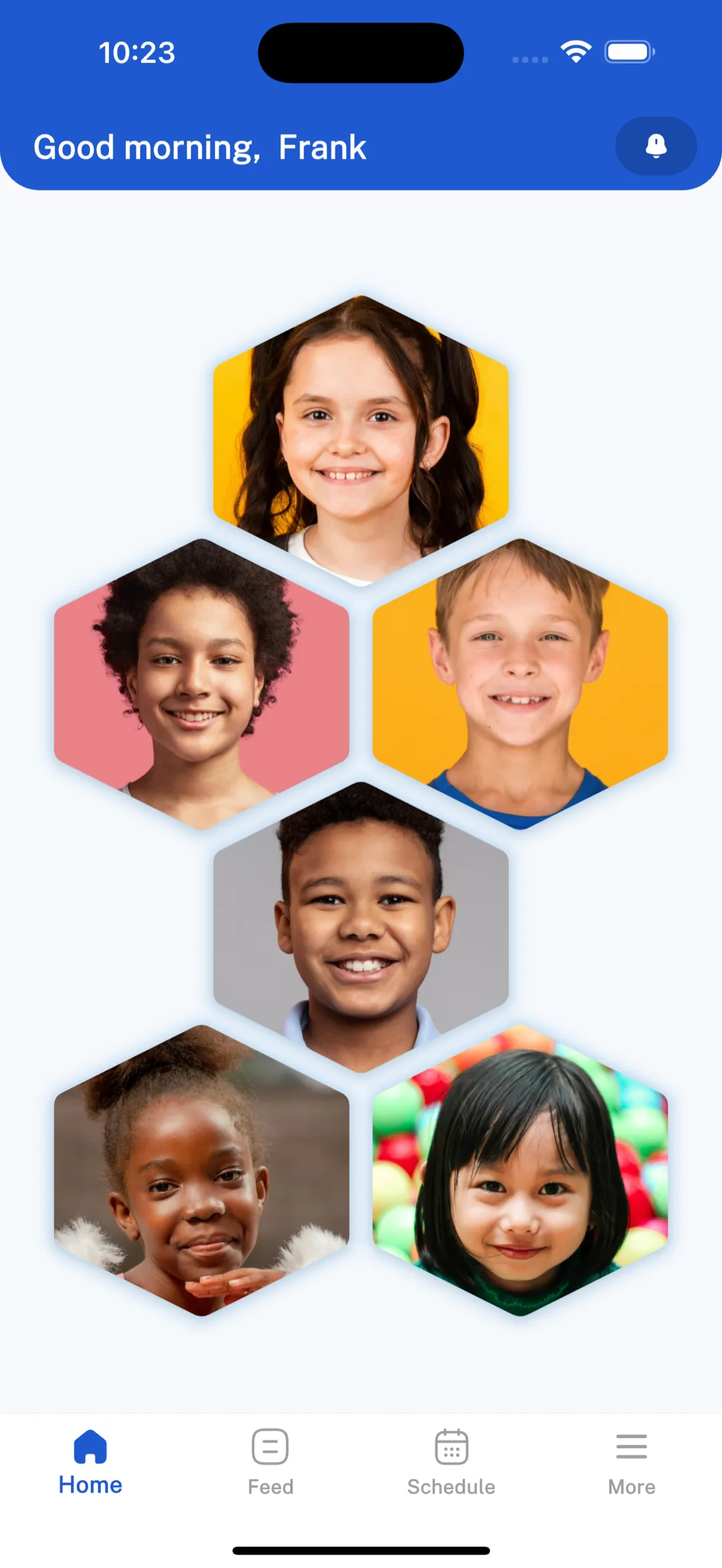
Follow your child’s performance and progress, message the school, pay fees and keep up with the calendar.
Teachers
Record class activity, share updates and stay in touch with families wherever the school day takes you.
School staff
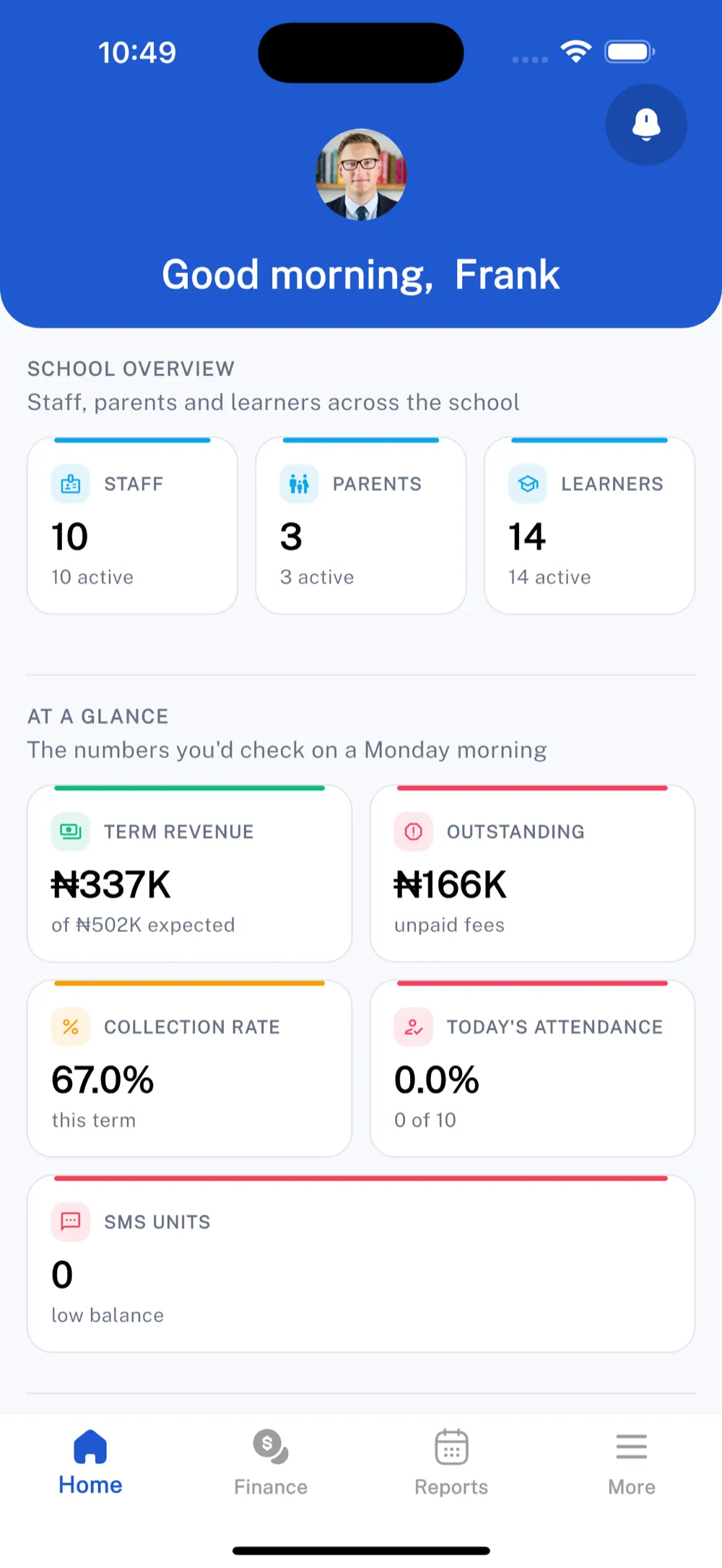
Stay connected to day-to-day school operations and communication on the move.
The whole school, in your pocket
Get the Minerva app
Available now on the App Store and Google Play.
Download & access help
How do I get access?
Your school invites you to Minerva. Once your account is created, download the app and sign in with the email your school has on file.
Is the app only for parents?
No. Parents, teachers and school staff all use the Minerva app. What you see is tailored to your role.
I’m having trouble logging in.
Make sure you’re using the email your school registered for you. If you still can’t get in, contact your school, email info@minervaeduapp.com, or call our support line on +234 812 087 9446.