


AI-Powered Flashcards. Built to Stick.
Turn a PDF, an image of your notes, or a topic into a deck in seconds. Get tutor-style explanations on demand, and let spaced repetition decide what to show you next.


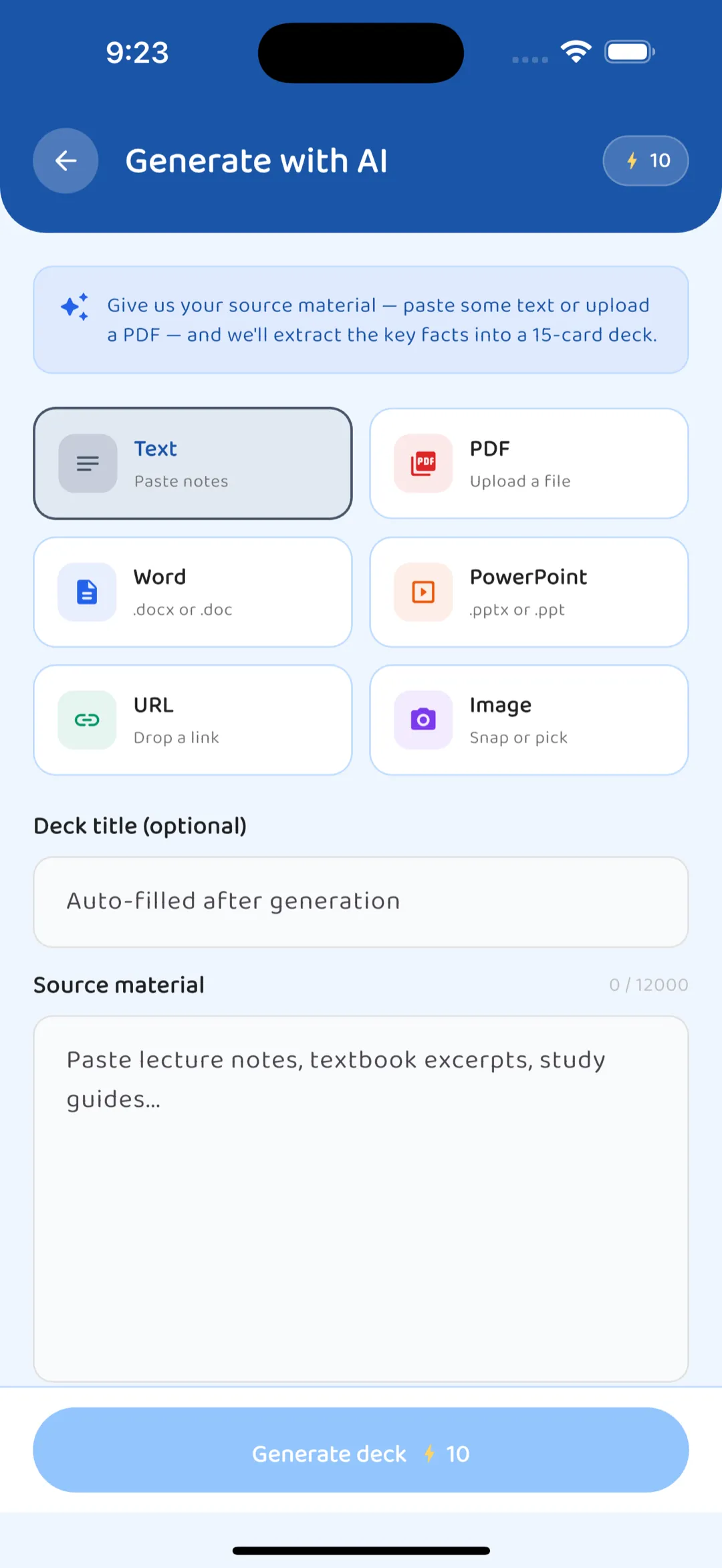
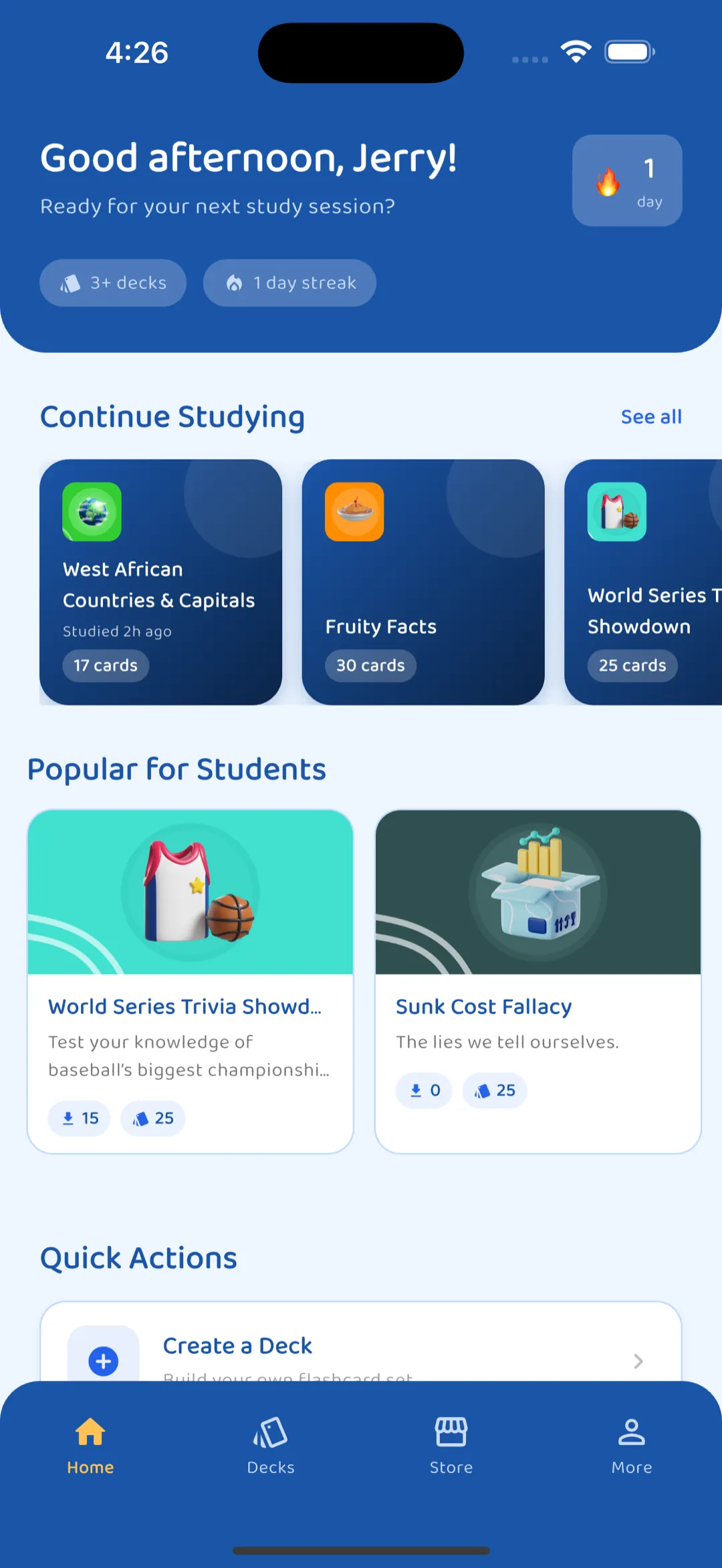
Turn anything into a deck
Feed FlashFocus a topic, a PDF, a Word or PowerPoint file, an image of your notes, or a URL, and AI turns it into flashcards you can edit before saving. Mix in cloze (fill-in-the-blank) and multiple-choice cards too.
Study the way that fits the moment
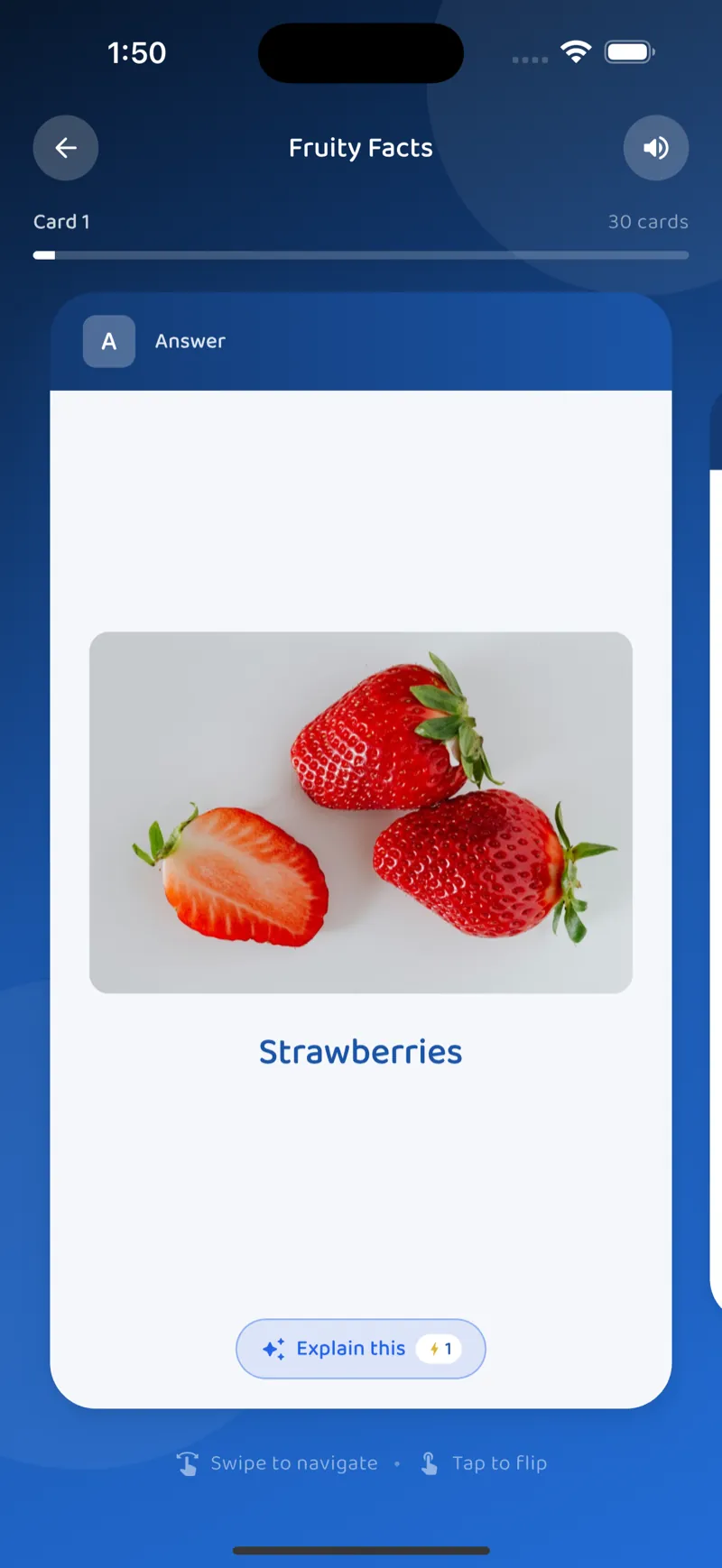
Play mode for casual review, Quiz mode for self-testing, SRS review for cards that are due, and Exam mode for timed, exam-style sittings with a final score report.
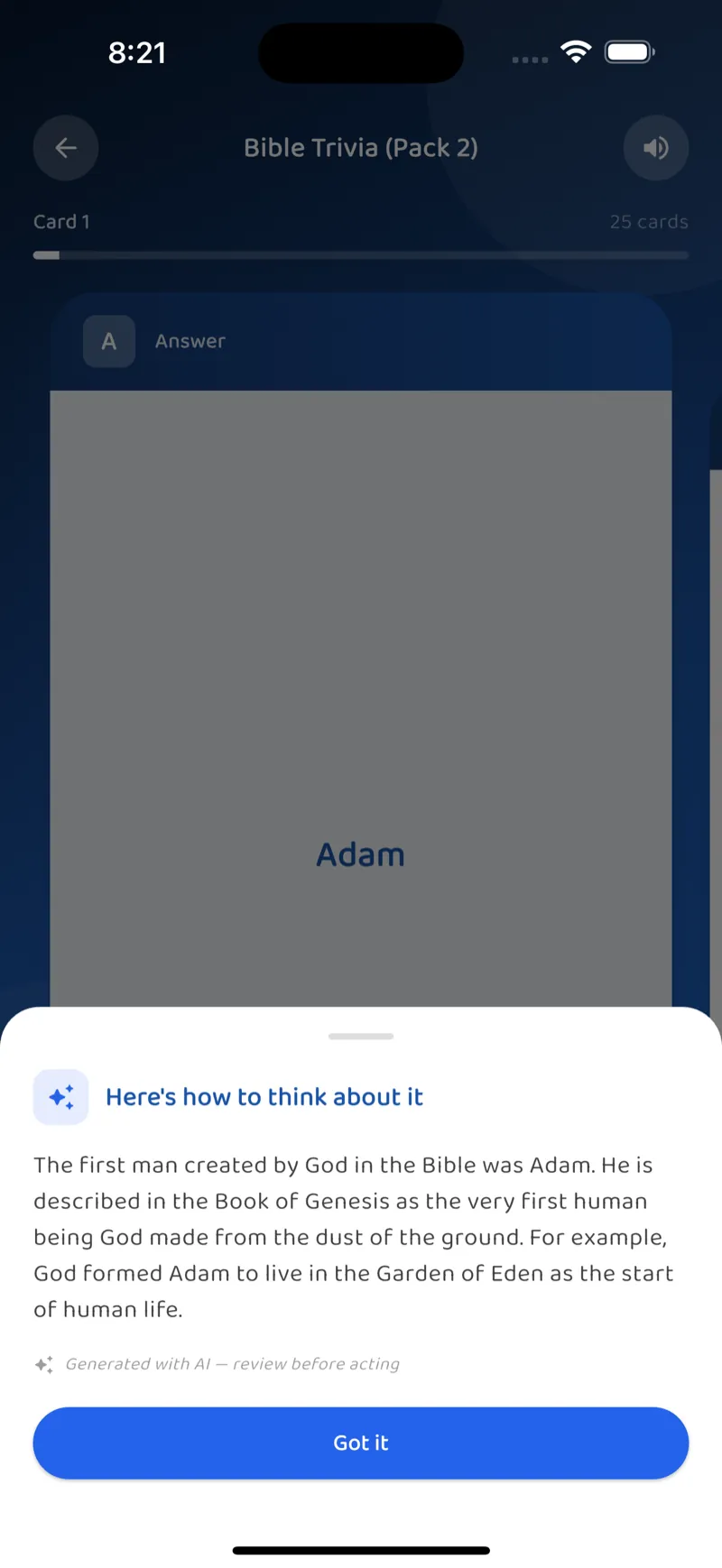
Get unstuck with an AI tutor
Tap ‘Explain this’ on any card for a tutor-style breakdown, or chat with your deck in plain English. A weekly weak-spot analysis names the concepts you’re struggling with and recommends focused review.
A complete study toolkit
Powered by AI
- Deck generation from a topic, PDF, Word/PowerPoint, an image of your notes, or a URL
- Explain this card: tutor-style breakdowns on demand
- Chat with your deck: ask questions in plain English
- Weak-spot analysis: weekly AI review of what you’re struggling with
Study toolkit
- Three card types: Flip, Cloze, Multiple Choice
- Spaced repetition: SM-2 scheduling, no setup needed
- Exam mode: timed sittings with per-subject scores
- Marketplace: curated decks, plus text-to-speech
Stay on it
- Streaks, XP, daily challenges and achievements
- Cloze head-to-head challenges with friends
- Push reminders at the times you actually study
Yours, kept safe
- Backup & restore your whole library to one file
- Sign in with Email, Google or Apple, or study with no account
- Pro subscription for unlimited AI features
FlashFocus, screen by screen
Start studying smarter
Download FlashFocus free on iOS and Android. Backup and restore is free for everyone.